Weave moments.
Make room.
Photos and Live Photos become one image, right on your iPhone. Compose, choose the spacing and quality, then review your library — with no watermark, no export limit, and no Picliva account.
See what’s freeiPhone · iOS 17 or later · English, 简体中文, 日本語
Free, with optional Pro
Free
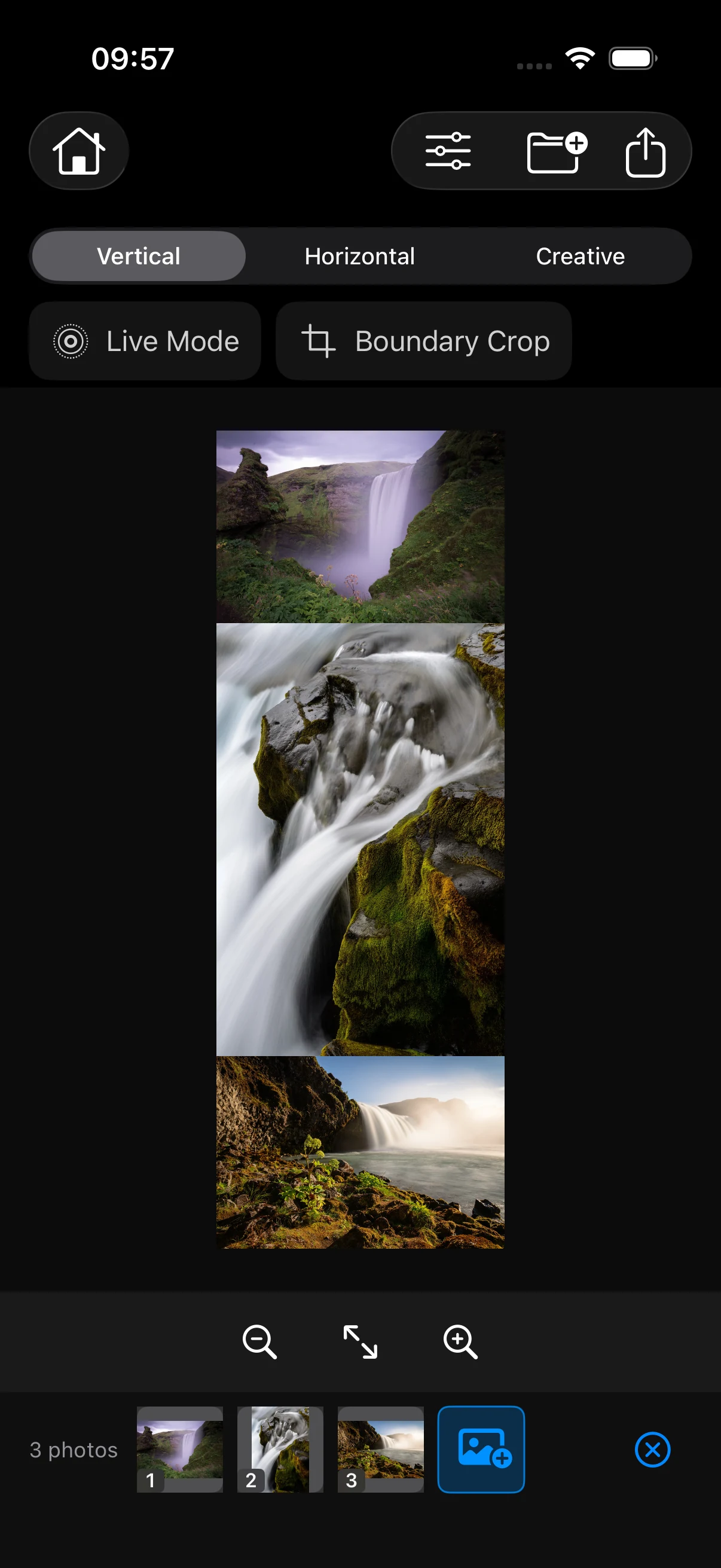
- Vertical and horizontal stitching; import, reorder, and set the spacing.
- JPEG and PNG export at standard, high, or full resolution.
- Live Photo compositions, silent by default.
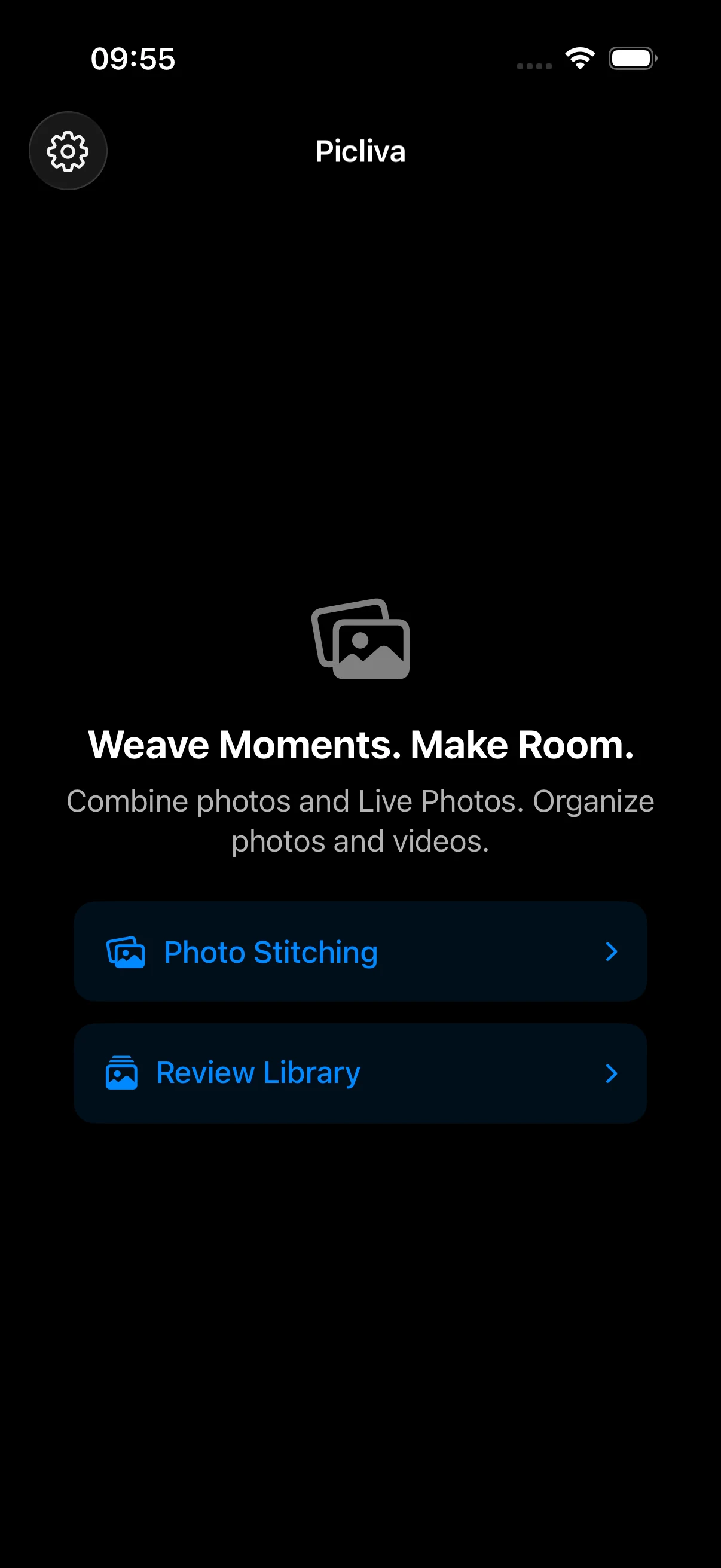
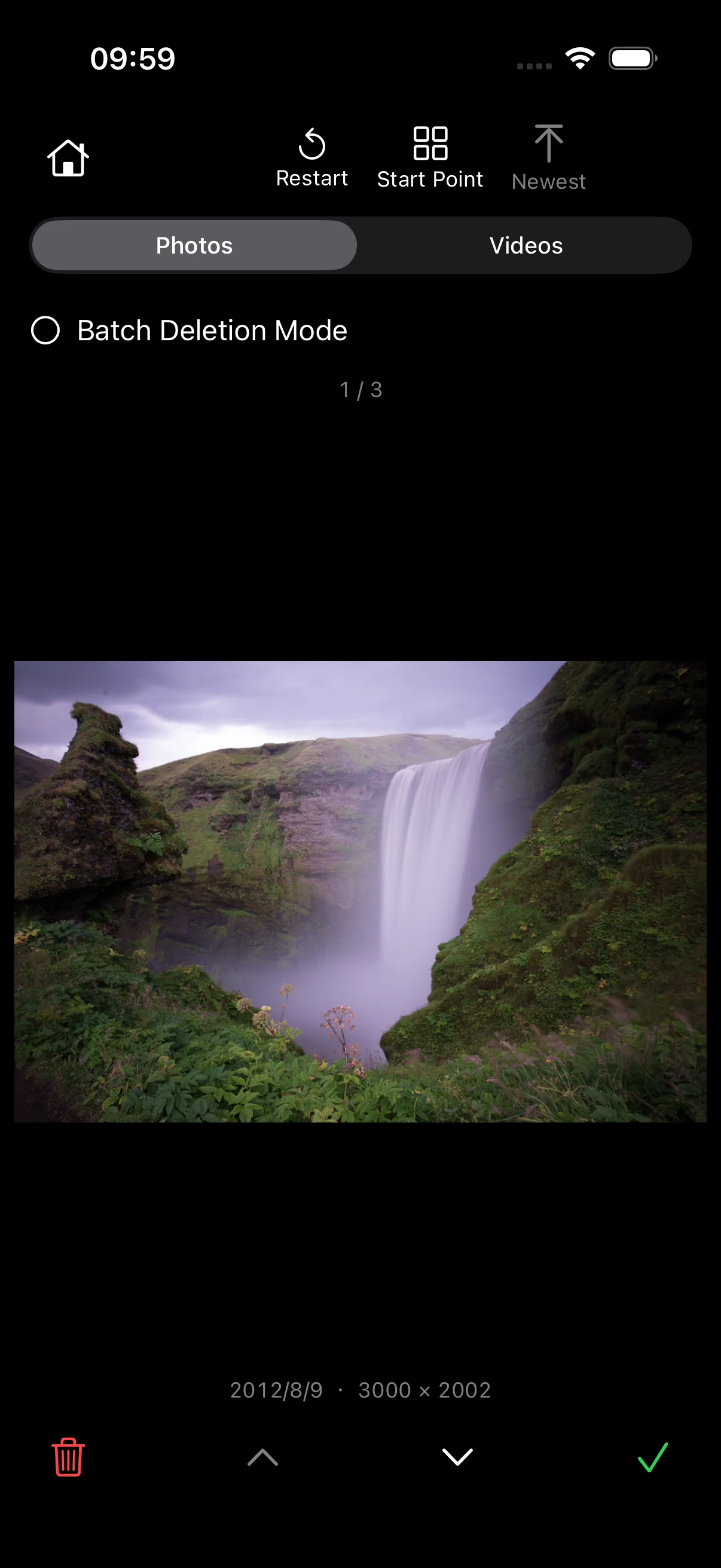
- Photo library review, with single and batch deletion.
- No watermark and no export limit.
Picliva Pro
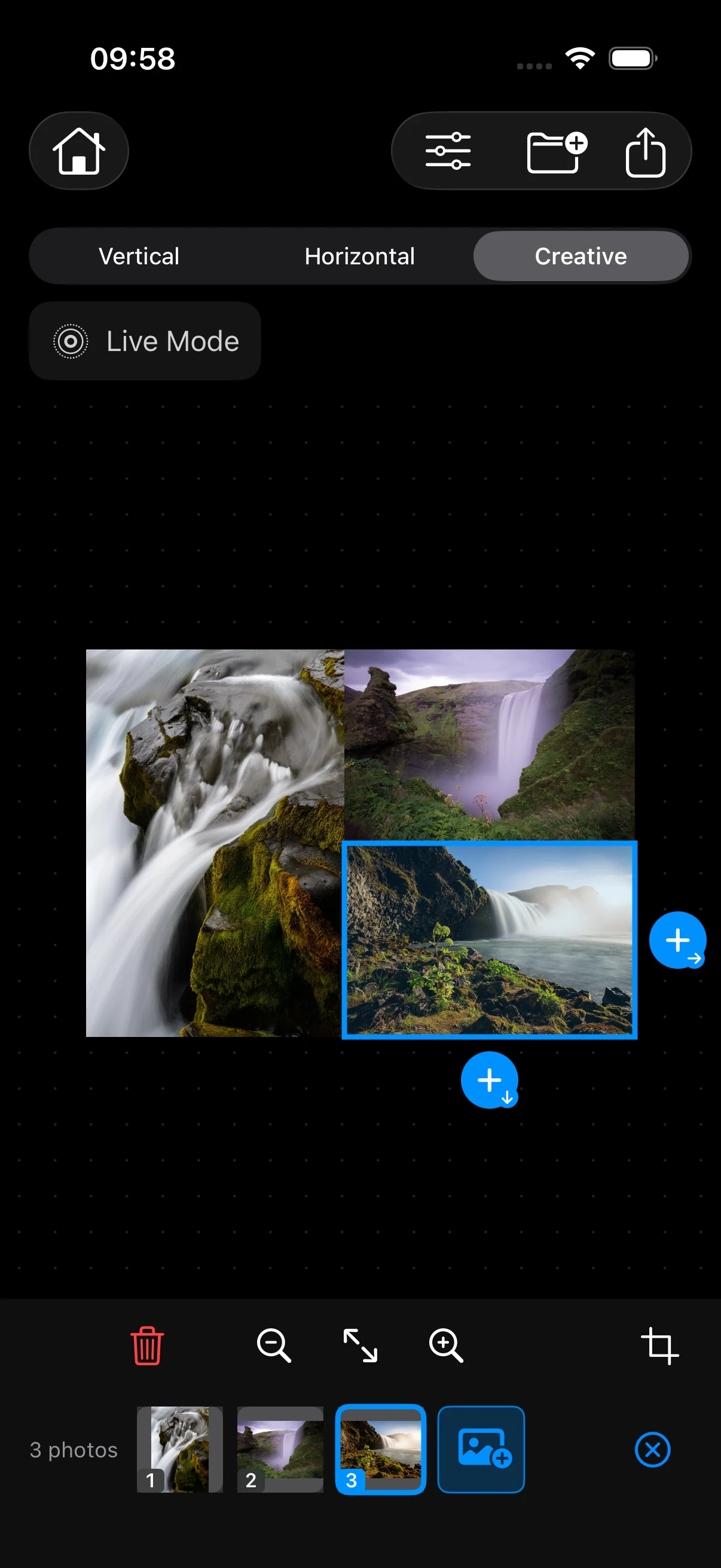
- Creative compositions with nested layouts.
- Crop a single photo or a boundary.
- Keep Live Photo audio in exports.
- Review videos in your library.
Pro is an optional one-time purchase, not a subscription. The App Store shows the price for your region. Restore purchases in Settings using the Apple Account that bought Pro.
Compose, then make room.
Start a composition or review your library. Picliva remembers where you stopped; you choose what to keep and confirm deletions through the system.
Keep the motion.
Combine stills and Live Photos, preview the motion, and save the result as a new Live Photo. At least one Live Photo is needed; keeping its original audio is part of Pro.
Your originals stay yours.
Compositions are processed on your device, and saving creates a new result. There are no ads or analytics SDKs, and your media is not uploaded to developer servers. Apple system services handle purchases, restoration, and iCloud access, which may require a connection.
Questions about Picliva?
Find answers about photo access, saving, library deletion, and restoring Pro. For help, email unlinearity@gmail.com with your app version, iOS version, device model, and the steps that led to the problem.