
Event Horizon Timer
The timer that devours your desktop. Focus quietly, then let a black hole prompt your rest.
Email supportPreparing for the Mac App Store.
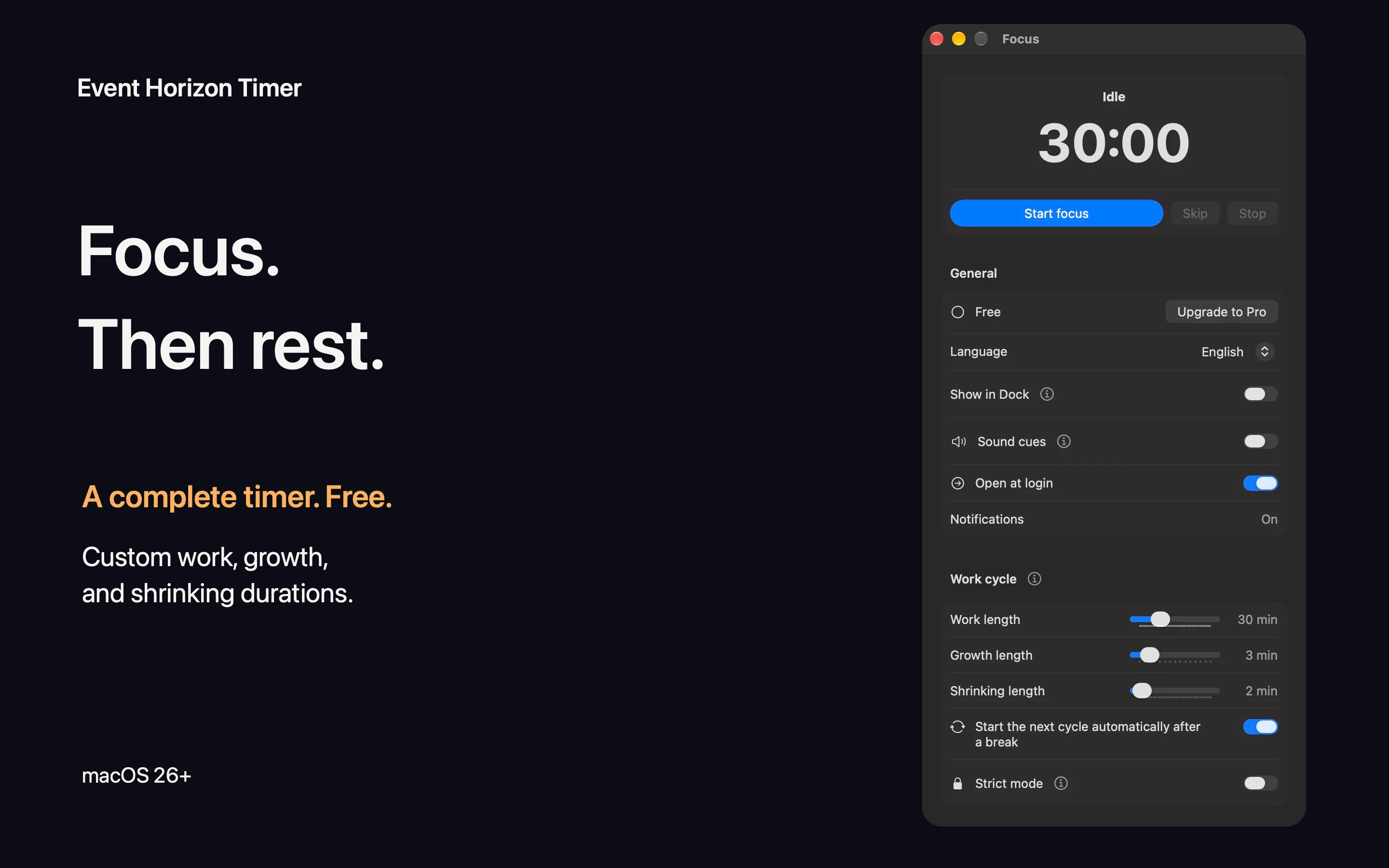
Start a focus cycle
Open the timer from the menu bar or Dock, set work, growth, and shrinking durations, then start. Defaults are 25 minutes of work followed by a 5-minute rest: 3 minutes of growth and 2 minutes of shrinking. Both growth and shrinking count as rest, without taking time from work.
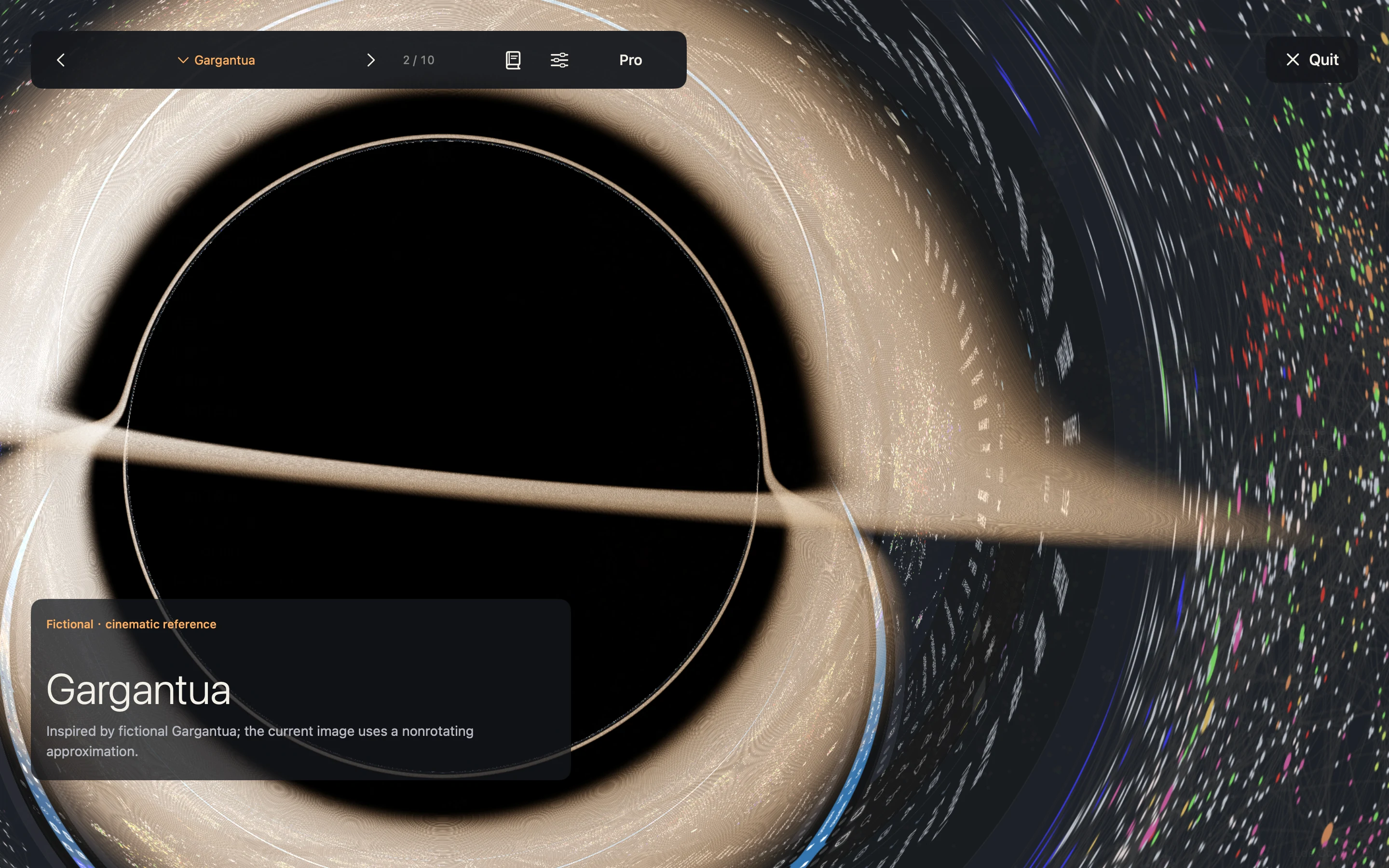
What is free
The complete timer, custom work and rest durations, Inferno and Gargantua styles, live desktop lensing, today’s statistics, science content, shortcuts, sound cues, and general settings are free. All nine styles appear in preview; the other seven have a gray lock overlay. Preview parameters remain visible but are read-only in the free version.
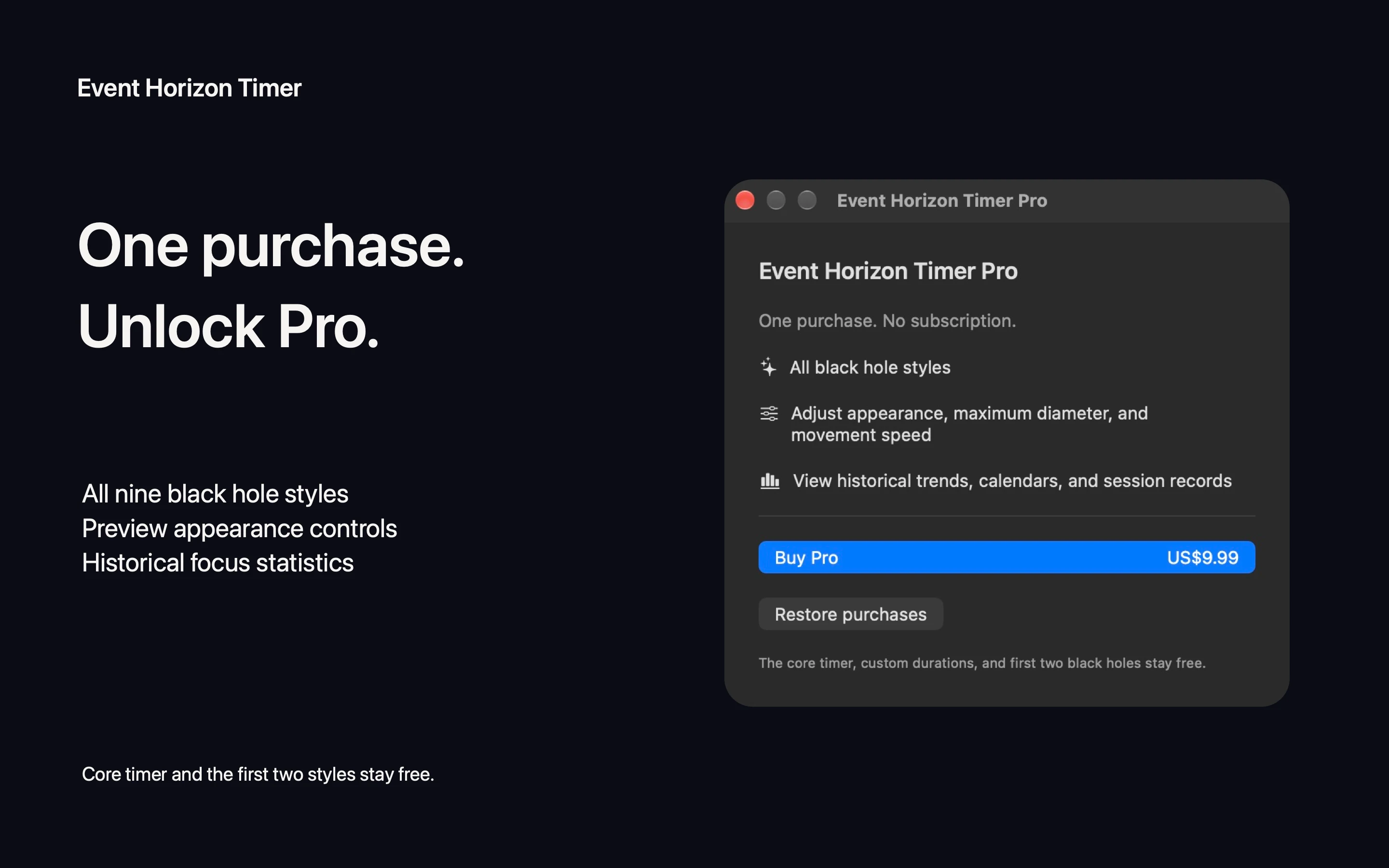
Pro and Restore purchases
Pro is an optional one-time purchase, with no subscription. It unlocks all nine styles, editable preview parameters, and historical statistics. The regional price is shown by the App Store. Sign in with the Apple Account used to purchase Pro, open Upgrade to Pro in the app, and choose Restore purchases. If restoration fails, check your App Store account and network connection, then try again. Apple handles payments and refunds.
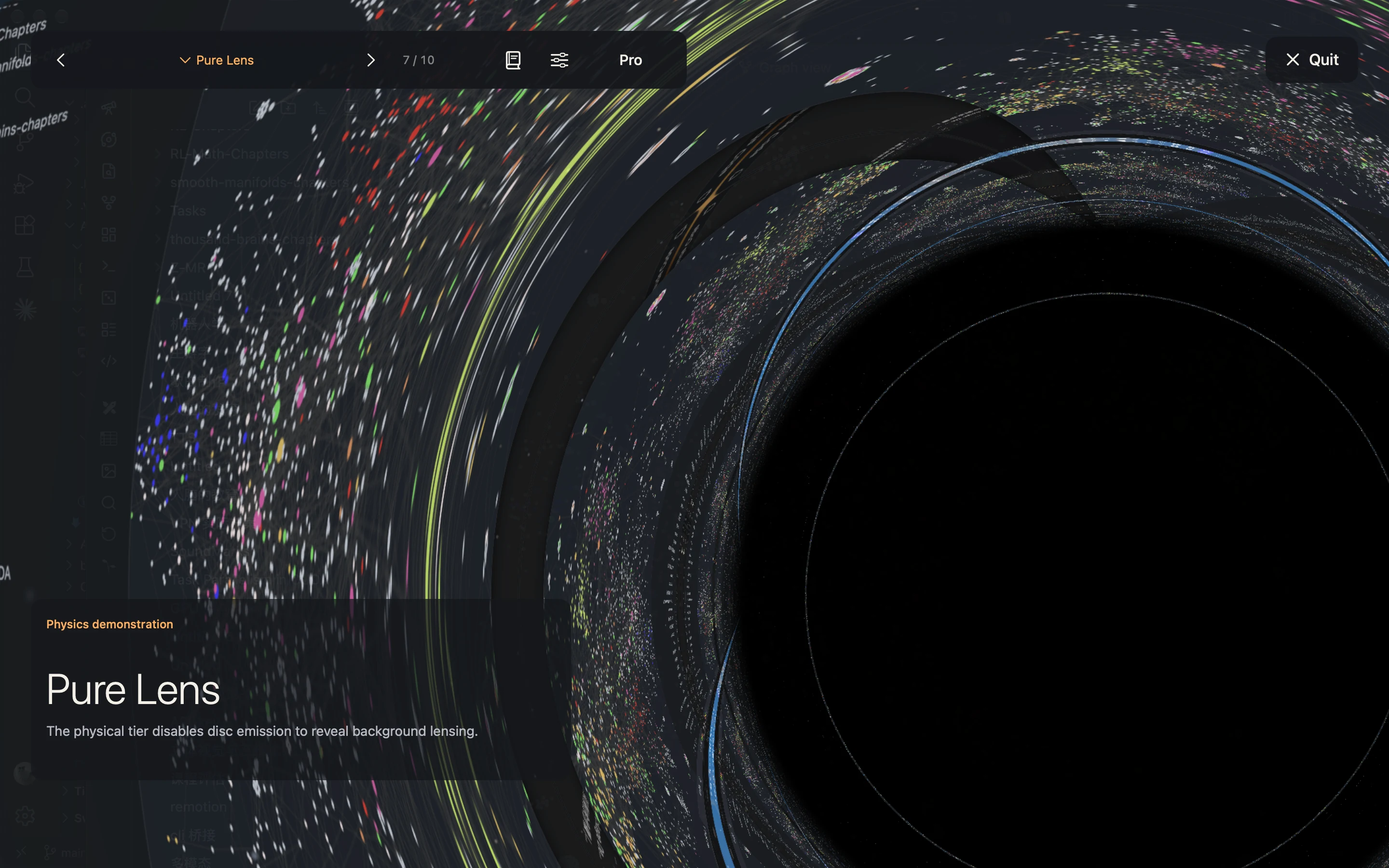
Explore black holes
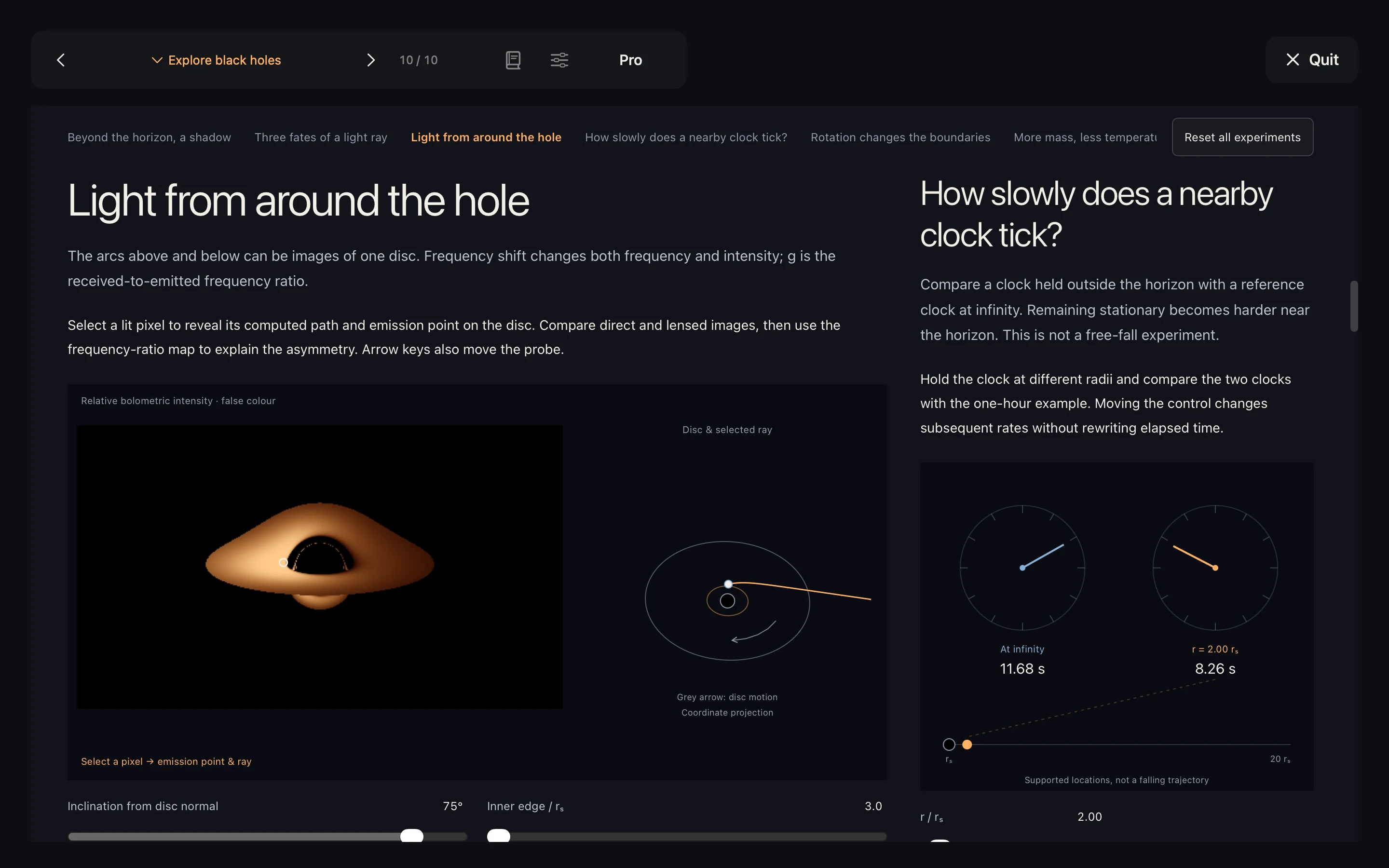
Six interactive experiments explore light paths, accretion discs, time dilation, and other black-hole physics. The bilingual science pages are included for free and work offline.
System requirements and performance
Requires macOS 26 or later and a Metal-capable Mac. Adjust render quality in settings if needed. Screen-recording permission is only used for desktop lensing; declining it does not prevent basic timing.